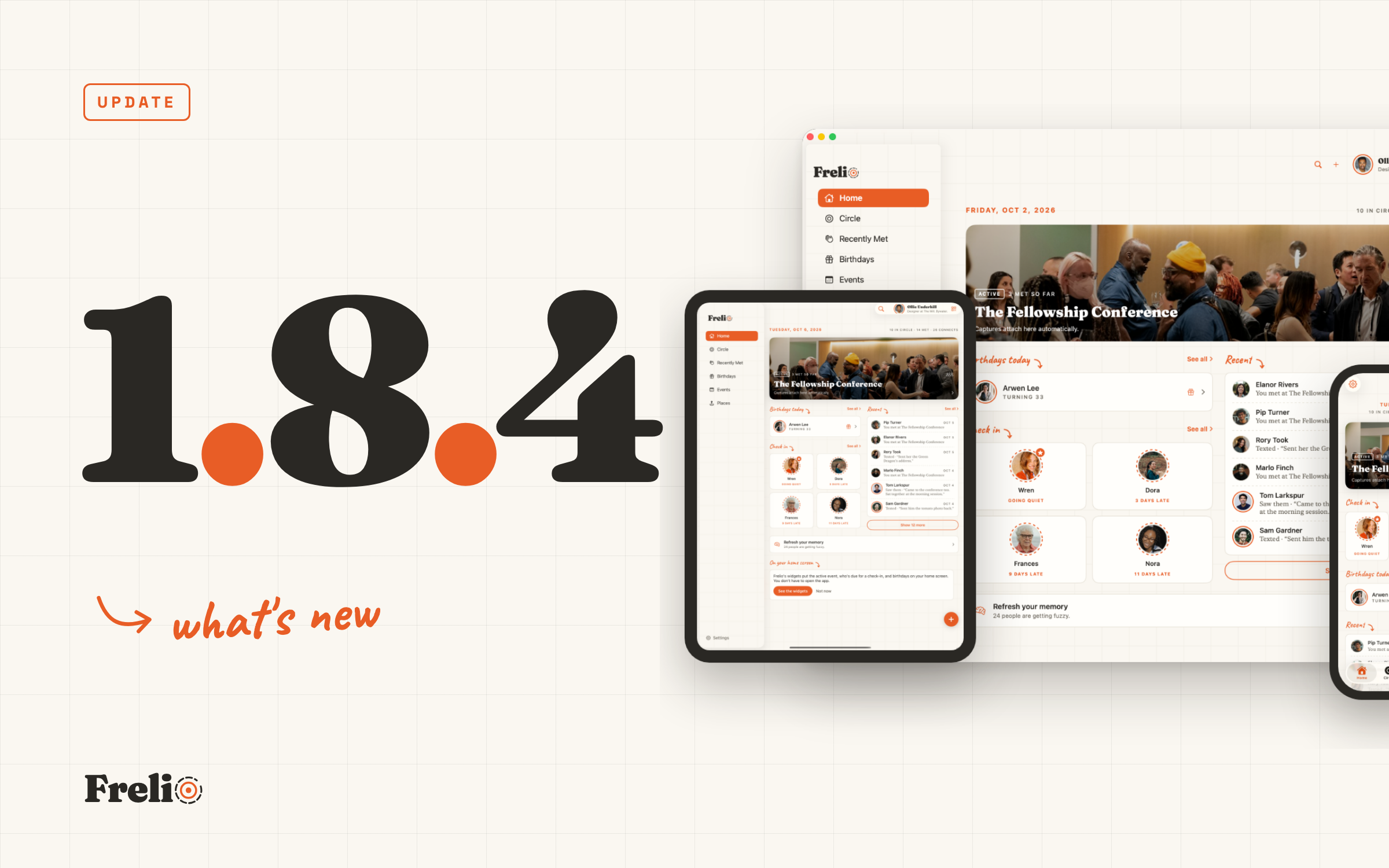
Frelio 1.8.4 brings Circles, a major feature that came straight from the Founders Circle, plus repeating events and a Calendar. It also carries everything from 1.8.3, which never got its own post. Here's what changed and how to use it.
A few weeks ago a few people in the Founders Circle asked for the same thing. Frelio knew who each person was to them, a friend, a coworker, a mentor, but not where they showed up. The run club, the church, the old team. The only tool for that was a tag, and you can't open a tag and see everyone in it.
That ask is now Circles, and it's the biggest thing in 1.8.4.
Circles
A circle is a group you put together yourself, like Run Club or Church. Relationship stays what someone is to you. Circles are where they show up. Change one and the other stays put.
Open More, then Circles, and tap the orange + to make one. Three questions: what it's called, what it looks like (an icon, or a photo of your own), and who's in it, picked straight from your Circle. That's it.
Each circle has a page. The people in it up top, and under that its story: the notes you write about it, and who joined or moved on, kept as it happens. There's a visual view too, your circles drawn the way the Apple Watch lays out its apps, the fullest in the middle. Tap one and it opens up with everyone inside.
If a circle meets, give it a schedule and each meetup is an event. Anyone you meet there lands on the circle's page under New here, and one tap adds them.
Circles is in beta, under More. It'll change as you use it and tell me what's missing.
Your Circle, as faces
The Circle tab has a new view beside the grid. Your people drawn around you, the ones closest to you in the middle, and faint lines between the ones who know each other. Pinch to zoom. Drag to move through it.
Two switches sit above it. Needs you puts the people who are due a check-in in the middle. Close to you puts the people you've actually been with lately there, the ones you've logged connects with and sat beside at events.
Tap a face and they come to the middle with everyone they know and the circles they're in, drawn as overlapping rings. Tap again for their page. Tap a circle's label and the whole circle gathers.
Two dropdowns at the top replace the old row of tag chips, one for relationship and one for circles. Pick Run Club and the view is just them.
Events can repeat
Set up your Thursday run or Tuesday small group once. Weekly, every two weeks or monthly. Each week's run is its own event. It switches itself on as your active event when it starts and off when it ends, so the people you meet there land in the right spot without you touching anything.
Any event can have hours now. A repeating event without hours runs all day. The Events page splits into Upcoming, Past and Recurring so the list stays readable.
What stuck
After an event, when you add who was there, Frelio asks one small question about each person: what stuck with you? Your answer goes on their page as part of that event, so next time you see them you've got something to pick up on.
Calendar, in beta
Also under More: a Calendar with everything that has a date. Events, and the days a repeating one lands on. The check-ins you've planned. Birthdays. Look at the month, the week or a single day.
Smaller things in 1.8.4
- Long-press someone on Met and Delete is right there, with a five-second Undo in case. Someone asked for exactly this, and she was right.
- Pages you open from another page put their title beside the back button, so there's more room for what's on them.
- Search has a Cancel button that takes you back to the tab you came from.
- On iPad and Mac, More is in the sidebar, holding Check in and the beta pages.
- Your photo sits at the top right of every tab, one tap to your account and your Frelio card.
And from 1.8.3, which never got its post
1.8.3 went out earlier this month and the post about it never left my drafts. The short version.
Quick add a whole table
This one started with a message from someone who'd been at a dinner, met six people, and gave up on writing them down halfway through. Each person took a few screens, and the table had moved on by the third.
Now, type a name and you'll see two choices under it. Quick add saves the name and clears the field for the next one. Add details walks you through the rest. After your first Quick add, the return key does it for you, so a table of six is six names and six taps of return. If an event is running, everyone goes under it. If not, Frelio asks once where you met them all.
Fill in the gaps
Anyone saved with only a name gets a small Add one thing to remember button right on their row, on the Met page and in Recent on Home. The gap stays in front of you until you fill it.
Search has its own tab, and your photo opens a card
Search moved from a floating button to the fifth item in the tab bar. The orange + stays bottom right, in reach of your thumb. Tap your photo and a small card opens with your account, your Frelio card, Share Frelio and Preferences.
Ready for iPhone Duo
Closed, the tabs move to a bar along the side and the orange + sits where your thumb lands. Open it and Frelio spreads out like it does on iPad. Fold or unfold mid-thought and you stay exactly where you were.
Android
The 1.8.3 half is already on Google Play in Frelio 1.5.0. Circles, repeating events and the Calendar come in the next Android build, and I'll post when it's out.
Get it
1.8.4 is on the App Store for iPhone, iPad and Mac. If you already have Frelio, it updates on its own.
If something doesn't work the way I've described, tell me. The feedback row is in Settings, and the Founders Circle in Slack is where Circles came from. You're welcome in.